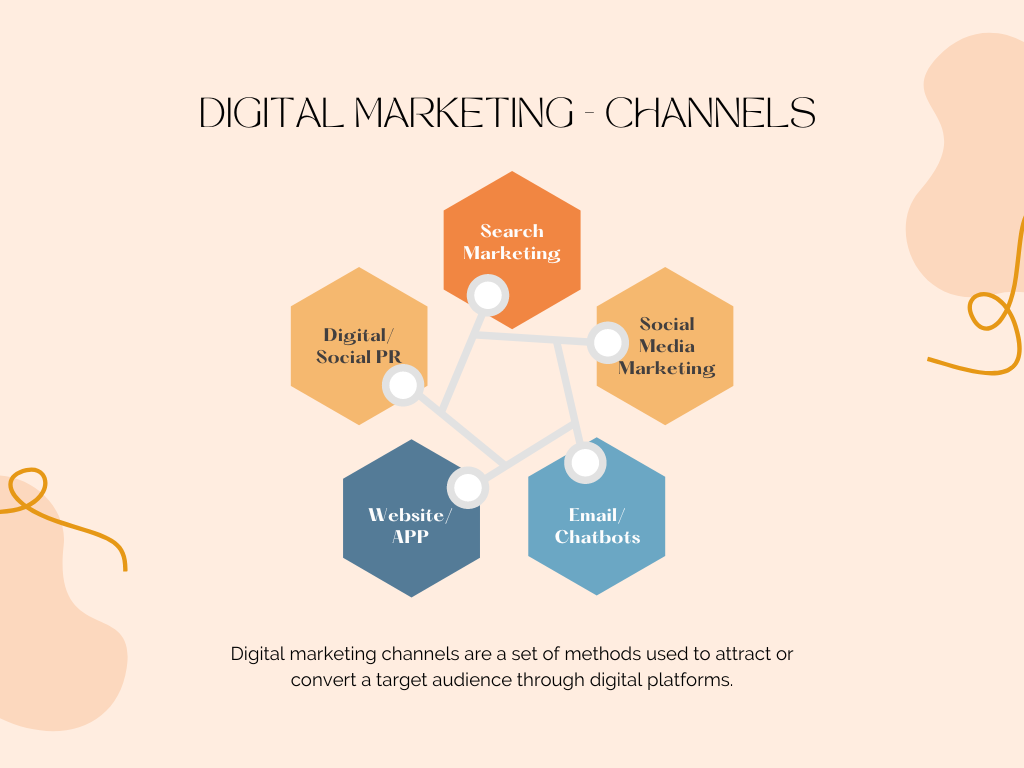
Featured Image – Canva.
How Can Chatbots Help Improve Your Bottom-line?
A chatbot is a computer program or software that automates conversation with a user. They can be programmed with different responses based on what a user chooses or requests.
Chatbots can provide real-time customer support and are therefore a valuable asset in many industries.
You can build an industry-specific chatbot by training it with relevant data.
- Let’s create the example text file chatbot.txt containing (unstructured) public-domain wiki-style information about chatbots.
- Let’s create the directory YOURPATH and copy the above file to this directory.
We are ready to implement the Python workflow within the Jupyter IDE:
- Let’s set the working directory
import os
os.chdir(‘YOURPATH’)
os. getcwd()
and import/install the key libraries
import io
import random
import string # to process standard python strings
import warnings
import numpy as np
from sklearn.feature_extraction.text import TfidfVectorizer
from sklearn.metrics.pairwise import cosine_similarity
import warnings
warnings.filterwarnings(‘ignore’)
!pip install nltk
import nltk
from nltk.stem import WordNetLemmatizer
nltk.download(‘popular’, quiet=True)
nltk.download(‘punkt’)
nltk.download(‘wordnet’)
True
- Let’s read our text file and convert the content to the lowercase.
f=open(‘chatbot.txt’,’r’,errors = ‘ignore’)
raw=f.read()
raw = raw.lower()
- Let’s tokenize the content by converting it to the lists of sentences and words
sent_tokens = nltk.sent_tokenize(raw)
word_tokens = nltk.word_tokenize(raw)
- Let’ invoke WordNet (a semantically-oriented dictionary of English included in NLTK) to apply WordNetLemmatizer
lemmer = nltk.stem.WordNetLemmatizer()
def LemTokens(tokens):
return [lemmer.lemmatize(token) for token in tokens]
remove_punct_dict = dict((ord(punct), None) for punct in string.punctuation)
def LemNormalize(text):
return LemTokens(nltk.word_tokenize(text.lower().translate(remove_punct_dict)))
- Let’s create GREETING lists
GREETING_INPUTS = (“hello”, “hi”, “greetings”, “sup”, “what’s up”,”hey”,)
GREETING_RESPONSES = [“hi”, “hey”, “hi there”, “hello”, “I am glad! You are talking to me”]
def greeting(sentence):
for word in sentence.split():
    if word.lower() in GREETING_INPUTS:
        return random.choice(GREETING_RESPONSES)
- We need to invoke the user response function
def response(user_response):
robo_response=”
sent_tokens.append(user_response)
TfidfVec = TfidfVectorizer(tokenizer=LemNormalize, stop_words=’english’)
tfidf = TfidfVec.fit_transform(sent_tokens)
vals = cosine_similarity(tfidf[-1], tfidf)
idx=vals.argsort()[0][-2]
flat = vals.flatten()
flat.sort()
req_tfidf = flat[-2]
if(req_tfidf==0):
robo_response=robo_response+”I am sorry! I don’t understand you”
return robo_response
else:
robo_response = robo_response+sent_tokens[idx]
return robo_response
- Let’s implement the simple dialogue
flag=True
print(“Al VA: I am Al, your customer support VA. I will be happy to answer your questions about Chatbots. If you want to exit, please type Bye!”)
while(flag==True):
user_response = input()
user_response=user_response.lower()
if(user_response!=’bye’):
if(user_response==’thanks’ or user_response==’thank you’ ):
flag=False
print(“Al: You are welcome..”)
else:
if(greeting(user_response)!=None):
print(“Al: “+greeting(user_response))
else:
print(“Al: “,end=””)
print(response(user_response))
sent_tokens.remove(user_response)
else:
flag=False
print(“Al: Bye! take care..”)
- Here is the example demo
Al VA: I am Al, your customer support VA. I will be happy to answer your questions about Chatbots. If you want to exit, please type Bye!
Hi
Al: hey
What is the definition of chatbots
Al: in 2016, facebook messenger allowed developers to place chatbots on their platform.
WHich platform?
Al: chatbot development platforms
the process of building, testing and deploying chatbots can be done on cloud based chatbot development platforms offered by cloud platform as a service (paas) providers such as yekaliva, oracle cloud platform, snatchbot and ibm watson.these cloud platforms provide natural language processing, artificial intelligence and mobile backend as a service for chatbot development.
thanks
Al: You are welcome..
Summary
- Bots are everywhere, especially in the world of digital marketing.
- Example: Chatbot marketing utilizes a chatbot to market the business.
Other Relevant Business Applications:
- Chatbots for Customer Service
- Chatbots for Sales
- Chatbots for FAQ
- Chatbots for Shopping
- Chatbots for Marketing
References
ChatterBot: Build a Chatbot With Python
Intelligent AI Chatbot in Python
How to Build a MarTech Stack from Scratch


Make a one-time donation
Make a monthly donation
Make a yearly donation
Choose an amount
Or enter a custom amount
Your contribution is appreciated.
Your contribution is appreciated.
Your contribution is appreciated.
DonateDonate monthlyDonate yearly Our Blogs
Leave a comment